

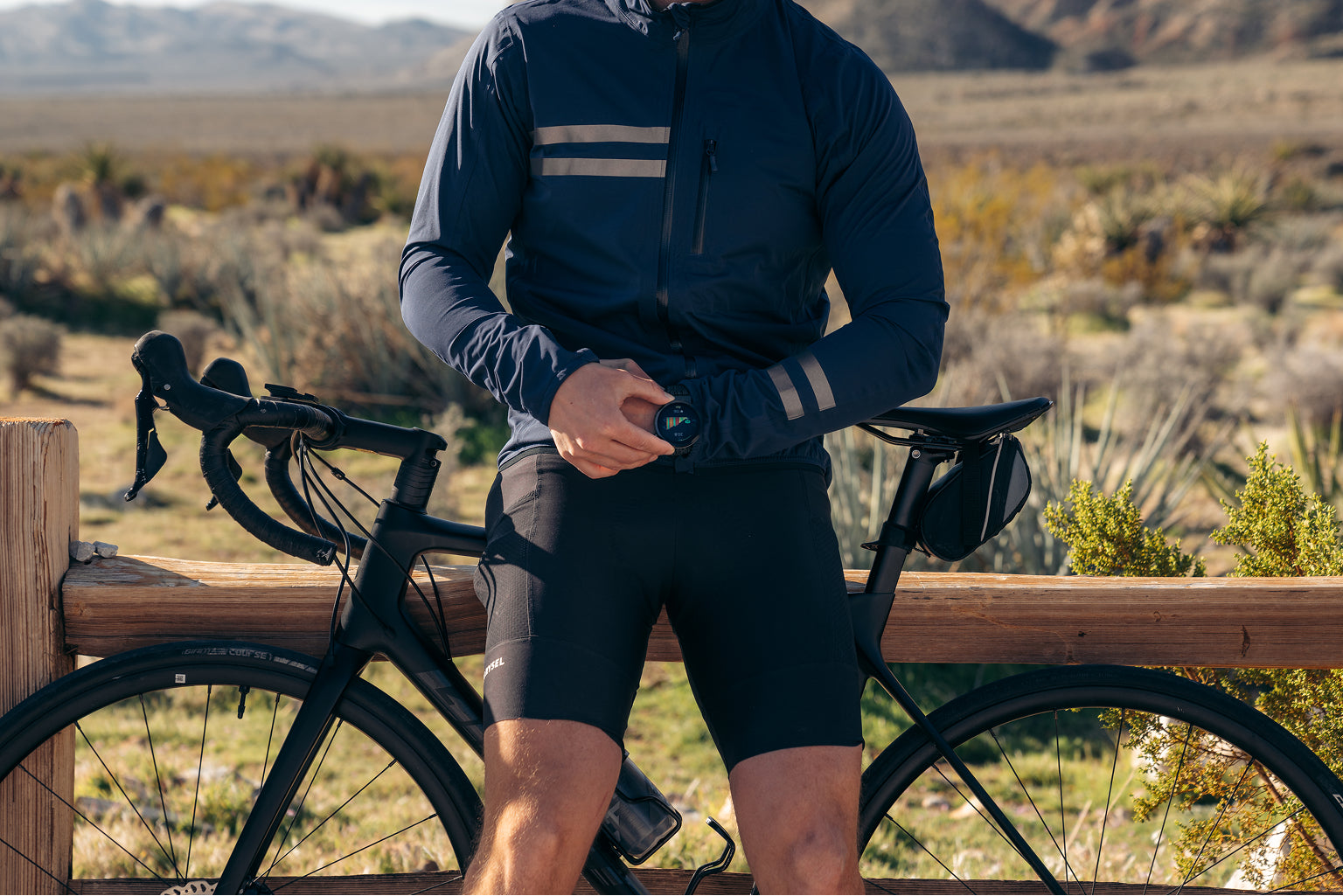
You are mid-descent on a winding mountain road, hands locked on the drops, eyes scanning the tarmac for gravel. Somewhere on your handlebars, a small screen is showing your speed, heart rate, and the left turn coming up in 650 feet. You never reached for it. You never looked away from the road. The data was simply there — right where your eyes already were.
That is what a cycling computer is supposed to do. Yet for many riders, the reality is different: squinting at a tiny wrist screen, fumbling with buttons mid-climb, or juggling two apps after every ride just to piece together what happened.
According to the Insurance Institute for Highway Safety (IIHS), 1,155 bicyclists were killed in crashes with motor vehicles in 2023 — the highest number ever recorded. While most of these incidents involve cars, the underlying truth is clear: anything that pulls a cyclist's attention off the road is a risk. The device on your handlebars should reduce distraction, not create it.
This guide walks you through everything you need to know about cycling computers — what they do, who genuinely benefits from one, and how the category is evolving in 2026. Whether you are a weekend rider curious about your first device or a seasoned cyclist weighing an upgrade, you will walk away knowing exactly what matters and what does not.
Training Disclaimer: This guide provides general information about cycling technology and training concepts. It is not a substitute for professional coaching or medical advice. Always consult a qualified coach or physician for personalized training guidance.
What Is a Cycling Computer? The Basics Every Rider Should Know

A cycling computer is a dedicated device mounted on your bike that tracks, displays, and records ride data in real time. At its simplest, it shows speed and distance. At its most advanced it becomes a full ride command center — GPS bike navigation, power output, heart rate zones, cadence, elevation, gradient, and more.
What a cycling computer typically tracks
A cycling computer by itself:
- Speed and distance — real-time, average, and maximum
- GPS route and navigation — turn-by-turn directions, offline maps, breadcrumb trails
- Elevation and gradient — via barometric altimeter or GPS
- Temperature, time, and estimated calories
When linked with 3rd party sensor/tracker:
- Heart rate — via chest strap, arm band, or optical wrist sensor
- Power output (watts) — the gold standard for structured training
- Cadence — pedal revolutions per minute (rpm)
The global bike computer market was valued at approximately $725 million in 2025 and is projected to exceed $1.2 billion by 2035, growing at a 5.9% CAGR (Global Market Insights, 2025). That growth reflects a clear trend: more cyclists want actionable data at direct sight line.
The key difference between a cycling computer and a phone or smartwatch is purpose-built visibility. A dedicated bar-mounted screen sits in your natural sight line so you can read data without dropping your head or twisting your wrist — a safety advantage that no wrist-worn device can fully replicate.
Why Riders Struggle With Traditional Cycling Computers
Despite years of innovation, most cyclists still face the same three pain points when it comes to ride technology.
- Device fragmentation: too many gadgets, too many apps
A typical performance cyclist carries a bike computer on the bars and a sports watch on the wrist. After the ride the data lives in separate apps — power in one, heart rate in another, sleep and recovery somewhere else entirely. Merging it all takes 10–15 minutes of syncing, exporting, and cross-referencing.
The result? Many riders simply stop looking at half their data. The metrics that could actually improve their fitness sit in an app they opened once and forgot.
2. Eyes-off-road danger
Small screens, cluttered data fields, and physical buttons that require a hand off the bars all contribute to dangerous moments of inattention. According to the Insurance Institute for Highway Safety (IIHS), bicyclist deaths in the United States have increased by about 86% since reaching their lowest point in 2010, reaching a record 1,155 fatalities in 2023. This trend highlights the growing safety risks cyclists face on the road and underscores the need to reduce technology-related distraction while riding.
A cycling computer should be glanceable — readable in direct sunlight at speed with least interaction required. Yet many devices still demand menu dives or multi-button presses to switch screens mid-ride.
3. Post-ride confusion: data overload, insight deficit
Modern sensors produce enormous amounts of data. But raw numbers without context are noise. What riders actually need are answers: Was that a good ride? Am I improving? Should I go hard tomorrow or rest?
Most standalone bike computers stop at recording. Turning data into decisions still requires a coaching subscription ($100–$300/month), a separate analytics platform, or deep personal expertise in training science.
The Core Features That Actually Matter
Not every feature on a spec sheet matters equally. Here is what to prioritize based on how you ride.
GPS and navigation
Dual-band GNSS (L1 + L5 frequencies across GPS, GLONASS, Galileo, BeiDou, QZSS) is now the accuracy standard. It eliminates the multipath errors — signals bouncing off buildings and cliffs — that plague older single-band units. If you ride in urban areas, mountain switchbacks, or dense tree cover, dual-band is not optional.
Look for:
- Offline map support — essential for gravel, bikepacking, and areas with poor cell coverage
- Glance-friendly UI — eg. strips the map to adjacent streets only, auto-zooms before turns
Display quality
You need to read your screen at speed, in direct sunlight, without losing focus on the road.
- AMOLED vs MIP — AMOLED offers richer color and 2,000-nit peak brightness; MIP offers better battery life in always-on mode but washes out in color
- Always-On Display (AOD) — critical for glance-safe reading without tap-to-wake
- Resolution — 246 × 322 pixels or above for sharp text and map detail
Sensor connectivity: ANT+ vs Bluetooth

Your cycling computer needs to talk to external sensors — power meters, heart rate straps, cadence sensors. Two protocols dominate:
| Feature | ANT+ | Bluetooth (BLE) |
|---|---|---|
| Multi-device pairing | Unlimited simultaneous connections | Typically 1-to-1 per sensor type |
| Battery impact | Very low | Low |
| Ecosystem | Cycling-dominant (Garmin, Wahoo, SRAM) | Universal (phones, watches, earbuds) |
| Best for | Multi-sensor setups | Simplicity and phone integration |
Best practice: Choose a device that supports both protocols so you are never locked out of a sensor ecosystem.
Training metrics
Related features to look for:
- FTP estimation and tracking — Functional Threshold Power, the baseline for zone calculation
- Power curve analysis — your peak power across durations from 5 seconds to 60 minutes, showing rider strengths and weaknesses
- Training load monitoring — acute vs chronic load to prevent overtraining
Some platforms charge $144–$300/year for features like power curve analysis and training load insights. Strava ($144/yr), TrainingPeaks ($240/yr), and TrainerRoad ($300/yr) all paywall these analytics. Modern systems increasingly include them from day one — no subscription required.
Dedicated Cycling Computer vs Smartwatch vs Phone: Which Setup Is Right?
This is the question every cyclist eventually faces. Each option has real trade-offs.

| Criteria | Dedicated Bike Computer | Smartwatch / Sports Watch | Phone + Mount |
|---|---|---|---|
| Screen visibility | Excellent — large display area, bar-mounted, in sight line | Limited — small, wrist-mounted, requires head drop and even hands off bars | Good size, but battery-draining |
| Safety | Eyes stay forward | Requires wrist check (hands off bars) or Requires reaching to interact | Requires reaching to interact;Vibration during rides can damage a smartphone’s delicate components. |
| Sensor support | ANT+ and Bluetooth | Mostly Bluetooth only | Bluetooth only |
| Battery life | 10–40+ hours GPS | 5–20 hours GPS | 3–6 hours GPS |
| Navigation | Mostly support full offline maps, turn-by-turn | Some with basicbreadcrumb or limited maps, flagship models usually have turn-by-turn navigation. | Full maps but battery-draining |
| Health tracking | None (ride data only) | 24/7 HR, HRV, sleep, recovery, etc | None |
| Ride performance data | Detailed ride metrics and post‑ride analysis | Strong performance metrics; deeper health data lives in the watch ecosystem | Basic GPS log and app‑level stats, depends heavily on chosen app |
| Post-ride data | Full power‑based analysis; seamless export to platforms like TrainingPeaks and Strava for FTP and TSS tracking | Strong post‑ride analysis inside the watch ecosystem; good for tracking long‑term fitness trends | App‑dependent; often limited tools for in‑depth power and FTP analysis |
| Price range | $200–$600 | $200–$1,000 | Free (if you already own a phone) |
The core trade-off: Dedicated bike computers excel at on-bike visibility and sensor depth, but they cannot track your health off the bike. Smartwatches track health beautifully, but their small wrist screens are a safety compromise during rides.
This gap — between ride performance tools and body intelligence — is exactly why a new category is emerging.
Beyond the Traditional Bike Computer: How the Category Is Evolving
The biggest shift in cycling computers in 2026 is not about bigger screens or longer battery life. It is about convergence — collapsing the bike computer, the sports watch, and the health tracker into a single system.
The modular approach
A new generation of devices separates into two components: a bar-mounted dial that acts as your cycling computer and a wrist-worn band that tracks biometrics 24/7. When you ride, the dial sits in your sight line on the handlebars. When you are off the bike, the watch goes back on your wrist and continues tracking sleep, recovery, and daily activity.
This architecture solves the fragmentation problem at a hardware level. Ride performance data (power, GPS, cadence) and body data (heart rate, HRV, recovery) merge into a single activity automatically — no manual sync, no separate apps.
Systems like the MossCode PHI can achieve power transfer from the dial to the band. The wrist band never needs to come off for charging — power transfer at ≥80% efficiency keeps health data continuous and gap-free. One system replaces two standalone devices.
What unified data actually enables
When ride data and body data live in the same system, new insights become possible:
- Instant post-ride merge — click the dial back on the watch and performance data auto-aligns with biometrics into one activity summary. No cloud sync, no separate files.
- Full power curve without a subscription — power duration curve with rider-type classification, FTP estimation, and season-over-season progression. Included from Day 1.
- Unified fitness dashboard — VO2Max, Efficiency Factor, HR Recovery, and Resting HR tracked in one dashboard with short-term vs long-term baselines.
- Intelligent daily training target — subjective readiness input by the user on the dial + objective biometrics generates a specific training target for the day. No competitor combines subjective input with cycling-specific power prescription.
On-ride safety features unique to modular systems
Because the dial is bar-mounted (not wrist-worn), modular systems unlock safety features that traditional watches cannot:
- Wrist-flip gesture control — change screens (data → nav → climb) without touching the dial or removing a hand from the bars. No competitor uses gestures to control a bar-mounted screen.
- Auto Climb Mode — activates on gradient with a haptic wrist alert. Zero interaction to switch to climb data.
- Ride-Aware Navigation — strips the map to adjacent streets, auto-zooms before turns, and vibrates the band as a physical turn cue.
- Glance-first visual design — large, high-contrast data tiles, minimal on-screen clutter, and color-coded cues further reduce time spent looking at the display instead of the road.
If the idea of carrying fewer devices while getting more data sounds interesting, explore how modular cycling setups work.
How Terrain and Season Affect Your Cycling Computer Needs
If your cycling routes include road intervals, a gravel adventure, and a coffee ride, the conversation is more complicated. The best device for you isn't about specs. It's about where and when you ride.
Road cycling: cycling data tracking above all
On tarmac, conditions are controlled and cycling data tracking earns its keep. Cycling power zones, cadence, FTP — road riding rewards the data-obsessed. What matters here is clean sensor integration (both ANT+ and Bluetooth is non-negotiable), screen readability, and friendly post-ride cycling data analysis.
What doesn't matter as much: rugged build, super long battery life.
Gravel and bikepacking: where GPS bike navigation earns its cost
Multi-band GNSS goes from marketing spec to genuine need. Single-frequency GPS drifts under tree canopy, which on a remote four-hour gravel ride means wrong turns and a very unhappy morning.
Battery life becomes a safety issue, not a convenience one. Touchscreens get awkward with wet gloves. Offline maps stop being optional. Gravel exposes exactly what your phone can't do.
Mountain biking: survive first, data second
MTB flips the priority order entirely. You need a device that survives the ride and surfaces the right information at a glance.
Trail-specific features earn their place here: Trailforks integration, Grit/Flow trail profiling. Durability and secure mounts matter in ways road riders never think about. And physical controls you can operate with full-finger gloves will always beat a touchscreen on technical terrain.
Fewer data fields, larger text, simpler screens.
Season: The Variables Most Riders Ignore
Winter degrades battery efficiency faster than spec sheets admit. Thick gloves also make touchscreen-only devices frustrating. Buttons matter more than you think.
Year-round wet conditions call for sealed buttons and corrosion‑resistant contacts, not just devices that meet an IP68 rating but aren’t built for continuous exposure.
Step-by-Step: Choosing and Setting Up Your Cycling Computer
Step 1: Define your primary use case
- Commuting / casual → Basic GPS, speed, distance. Budget: under $150. Or you can simply rely on a watch plus phone combo instead.
- Fitness training → Heart rate zones, cadence, structured workouts. Budget: $200–$350. If you mostly ride fixed routes and rarely need navigation, you can just get a sports watch.
- Performance racing → Cycling Power zones, FTP, training load, intervals. Budget: $300–$600.
- Bikepacking / gravel → Offline maps, long-lasting battery, route import. Budget: $300–$500.
- All-in-one → Modular system: ride computer + health tracker + training intelligence.
Step 2: GPS bike Navigation accuracy
This is the feature most buyers underweight, until they get a bad track on a key ride.
Basic GPS is fine for road riding with open skies. The moment you ride under tree canopy, through urban canyons, or on gravel routes, you need multi-band GNSS. Single-frequency GPS drifts in those conditions, which means corrupted data, missed turns, and inaccurate elevation.
Look for devices that support multiple satellite systems (GPS, GLONASS, Galileo, BeiDou) and dual-frequency reception.
Step 3: Navigation and Maps
For familiar routes, basic breadcrumb trails are enough. For anything else, you need full offline maps with turn-by-turn routing and automatic rerouting when you miss a turn.
Step 4: Battery life
For daily training rides under 3 hours, most mid-range devices cover you comfortably. For gran fondos, bikepacking, or back-to-back days, you need at least 20+ hours or solar assist
GPS-intensive modes drain significantly faster than advertised, and cold weather can reduce battery efficiency by 20–30%. Factor both in before you buy.
Step 5: Check sensor compatibility
List every sensor you own (power meter pedals, HR strap, cadence, speed). Confirm the device supports ANT+, Bluetooth, or both.
Step 6: Screen Readability and Interface
For outdoor use, ≥1,000 nits is a minimum; ≥2,000 nits is where it gets genuinely comfortable in direct sun. MIP displays are always-on and read well outdoors,but difficult to read under diming lighting. AMOLED screens are vivid but drain faster in bright conditions, remember to pick the ones with always-on display.
On interface: touchscreens are intuitive in dry, mild conditions. In winter with thick gloves or on rough terrain in the wet, physical buttons win. If you ride year-round, make sure your device has both.
Step 7: Evaluate the data ecosystem
Ask yourself: Where does my data go after the ride?
- Can it easily merge ride data with health metrics (HR, HRV, sleep) with your health tracker / smart watch?
- Does the device sync with Strava, or your preferred platform?
- Is advanced cycling performance analysis (eg. cycling power curves) included or paywalled?
Step 8: Configure Before You Ride
A well-configured mid-range device will outperform a flagship with factory defaults. Once you have the device:
- Set up 4–6 data fields per screen — more than that and nothing registers at pace
- Build separate screens for training (power, HR, cadence) and navigation (map, distance, ETA)
- Enable zone-based color visualization if available — color arcs are faster to read than raw numbers mid-interval
- Pair all sensors before your first ride, not during it
Frequently Asked Questions
Is a cycling computer worth it for beginners?
If you use cycling as sports training more than twice a week and want to improve, yes. Even basic speed and distance tracking builds awareness. As you progress, features like cycling power and cadence become tools that directly accelerate improvement. Start simple and grow.
Can I use my phone as a cycling computer?
Technically yes, but it is a compromise. Phones drain battery quickly with GPS active, screens also consume power quickly in sunlight, and they can be easily damaged because of vibration and crashes. For casual city rides, the phone works. For anything structured, a dedicated device is safer and more reliable.
What is the difference between a bike computer and a GPS watch?
A bike computer mounts on your handlebars for in-sight-line visibility and typically supports both ANT+ and Bluetooth sensors. A GPS watch sits on your wrist, tracks health metrics 24/7, but requires off-bar wrist twisting to read. Modular sports watches bridge the gap by detaching its display to mount on the bars during rides and returning to the wrist for daily health tracking.
How accurate is GPS on a cycling computer?
Dual-band GNSS (L1 + L5) achieves meter-level accuracy in most conditions. Single-band units can drift significantly in urban canyons or under dense tree cover. For reliable segment times and route accuracy, dual-band is the minimum standard.
Do I need a power meter to use a cycling computer?
No. A cycling computer works with just GPS and sensors like accelerometers for basic cycling performance tracking. But if you are training with structure - intervals, FTP targets, pacing strategy — power meter pedals paired with a compatible device is the single biggest upgrade you can make.
What is a modular sports watch and how does it replace a GPS bike computer?
A modular sports watch splits into a bar-mounted dial (cycling computer) and a wrist-worn band (health tracker) connected via a shared power and data link. During rides, the dial provides full bike-computer functionality — AMOLED display, GPS, power, turn-by-turn navigation. Off the bike, the watch tracks heart rate, HRV, sleep, and recovery. One device, two modes, no fragmentation.
Ready to Ride Smarter?
The best cycling computer is the one that keeps your eyes on the road and your data in context. Whether that is a traditional bike computer, a GPS watch, or a modular system that combines both — the goal is the same: better rides, fewer distractions, and data that actually helps you improve. We hope this cycling computer guide gave you the clarity to choose with confidence — now the only thing left is to ride.
Last Updated: 2026.04.08
Share:
GPS Navigation for Cycling: Routes, Maps & Ride Safety — The Complete Guide for 2026
Understanding Cycling Power Zones: A Beginner's Guide